This product was designed by MAKERSUN.
By buying this product you support original hardware creators.
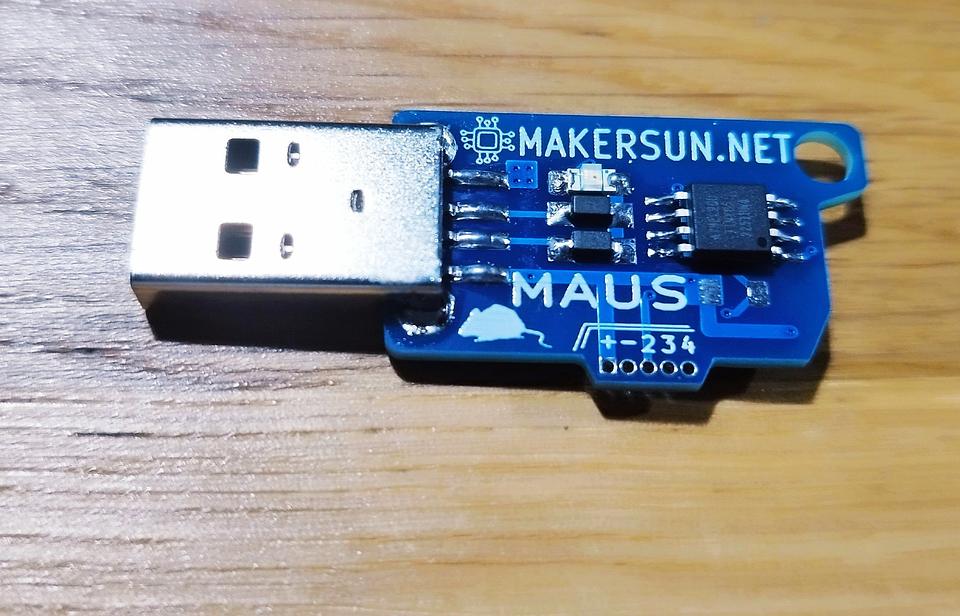
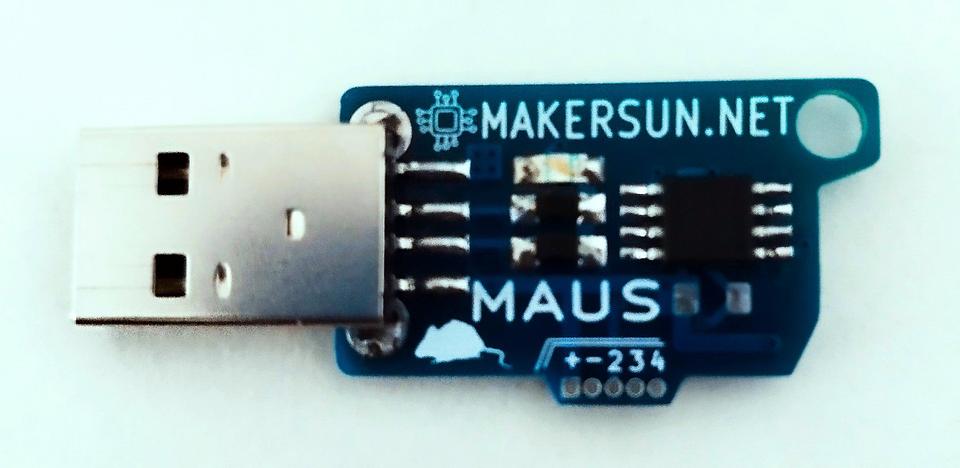
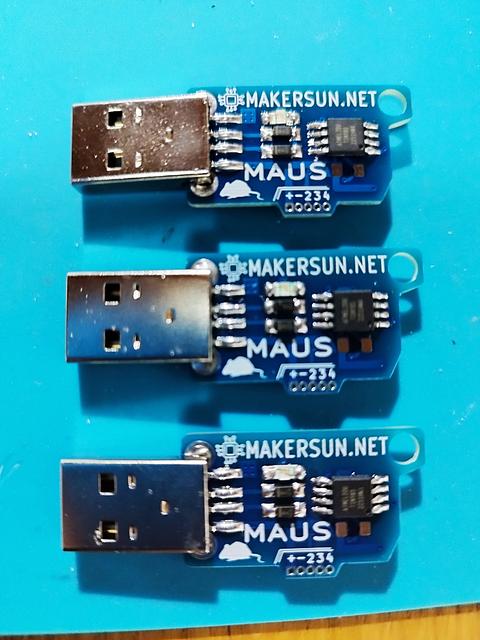


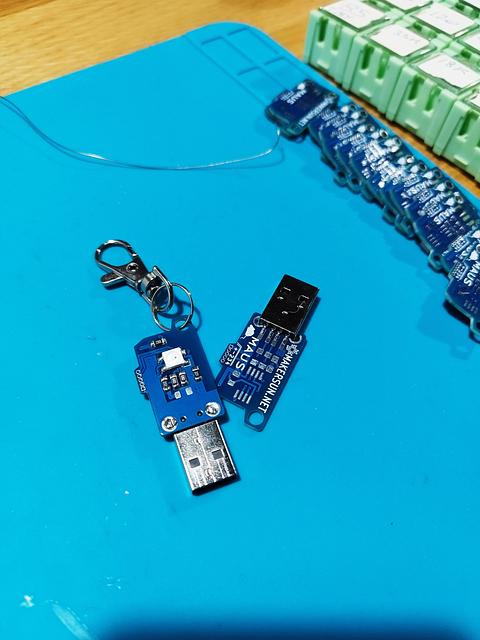

MAUS – the tiny board that keeps your cursor alive while your hands do… anything else.
MAUS – Arduino Mouse Jiggler Arduino‑based, open‑source, tiny, and customizable mouse jiggler with RGB personality.
MAUS is a compact USB device designed to simulate gentle mouse activity and keep your computer awake. Ideal for remote work, long presentations, downloads, or any workflow where screen timeouts are unwelcome. Built around an ATtiny85 and fully programmable with Arduino, MAUS blends practicality with maker freedom.
🔔 Updates & Resources UPDATE 10/12/2025 PlatformIO support is now available. 👉 https://github.com/MAKERSUN99/MAUS/tree/main/PLATFORMIO
UPDATE 27/09/2024 New Arduino firmware using a TaskScheduler approach. 👉 https://github.com/MAKERSUN99/MAUS/blob/main/ARDUINO/maus_V3_TaskScheduler.ino
UPDATE 30/08/2024 User manual for upgrading to the latest Micronucleus bootloader and installing MAUS in Arduino IDE v2.3.2. 👉 https://github.com/MAKERSUN99/MAUS/tree/main/MANUALS
UPDATE 25/10/2023 User manual for upgrading to the latest Micronucleus bootloader and installing MAUS in Arduino IDE v2.2.1 (English and Italian). 👉 https://github.com/MAKERSUN99/MAUS/tree/main/MANUALS
UPDATE 14/04/2023 User manual for installing your MAUS board from scratch. 👉 https://github.com/MAKERSUN99/MAUS/blob/main/MAUS_UserManual_V1.pdf
🖱️ Why MAUS Stands Out ✨ Small in size, mighty in purpose A pocket‑friendly USB device that gently nudges your cursor to prevent sleep, lock screens, and interruptions. Perfect for presentations, long downloads, and work‑from‑home setups.
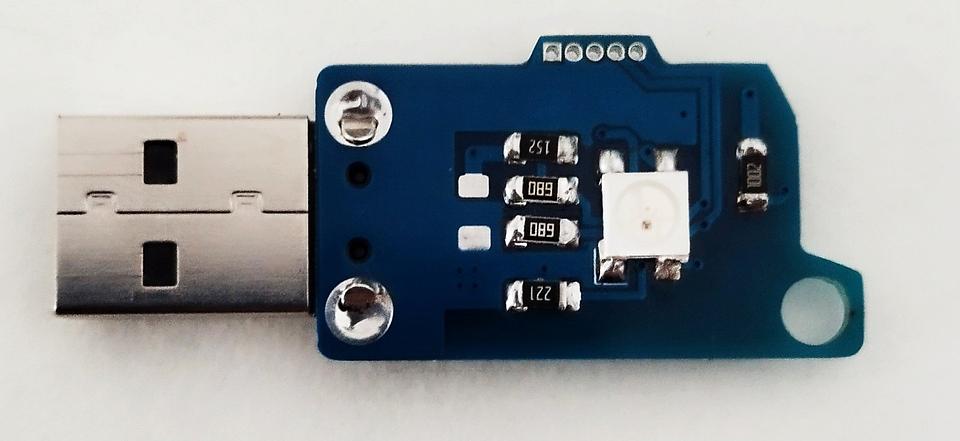
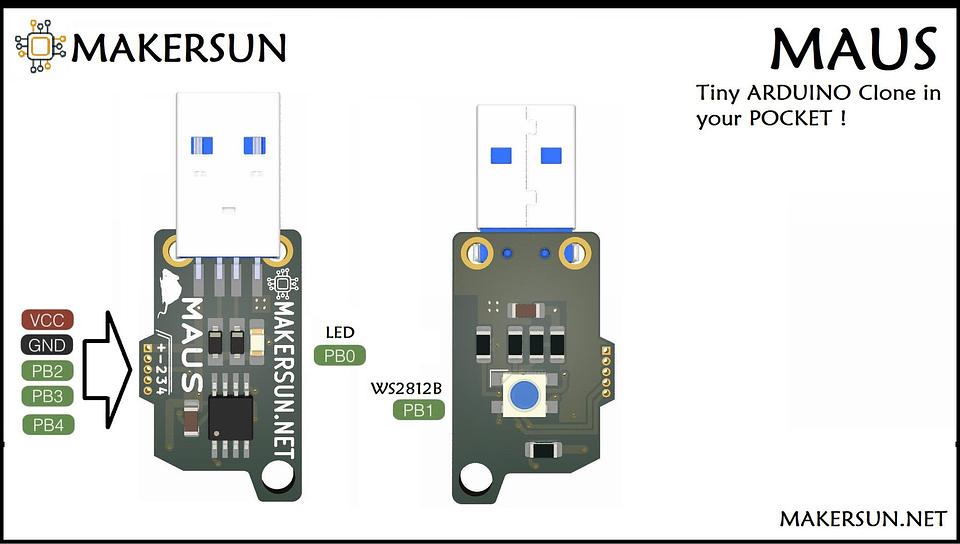
🎨 A splash of RGB flair MAUS features an onboard red LED and a WS2812B RGB LED. Each movement can be paired with subtle or expressive lighting effects, fully customizable via code.
🧠 Open‑source freedom Firmware, Arduino sketches, and KiCad schematics are fully open source. Modify the behavior, add new features, or integrate MAUS into your own projects.
🇮🇹 Crafted in Italy Designed and produced by MAKERSUN, with attention to detail and a strong maker mindset.
💡 Plug and play MAUS ships with Arduino firmware preinstalled. Just plug it into a USB port and it starts working immediately. No drivers, no software installation required.
🎁 Competitive Advantage Unlike generic plastic or metal plug‑and‑forget mouse jigglers, MAUS gives you real control. RGB lighting, open firmware, hackable hardware, and a clean Arduino development workflow.
You are not just buying a utility device. You are getting a programmable companion with personality.
✨ Tagline No more sleepy screens. No more endless logins. Just movement… with light. Familiar like a USB stick. Powerful like a tiny programmable board. MAUS: your silent digital sidekick.
🔧 Technical Details • Microcontroller: ATtiny85 • Clock speed: 16.5 MHz • USB: V‑USB with Micronucleus bootloader • Programming: Arduino IDE (no external ISP required) • Bootloader version: Micronucleus v2.6 (default) • LEDs: – Red LED on PB0 – WS2812B RGB LED on PB1 • Free GPIO pins: PB2, PB3, PB4
⚙️ Fuse Configuration • LFuse: 0xE1 – PLL Clock + 64 ms startup • HFuse: 0xDD – External reset enabled, BOD 2.7 V, serial programming enabled • EFuse: 0xFE – Self‑programming enabled
🚀 Ready to Use, Ready to Hack MAUS comes with Arduino firmware already installed. Simply plug it into a USB port and it starts working immediately.
Feel free to modify the software to match your needs, experiment with new behaviors, or turn MAUS into something entirely your own.
Designed for makers. Useful for everyone.
Links to code and documentation
Shipping policy
Generally, orders are shipped the day after purchase